Apple Watch Ultra Case + Silicone Strap: Rugged Fit
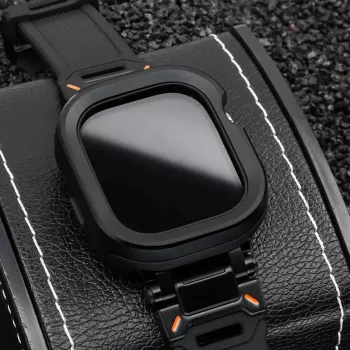
Aluminum Alloy Case with Silicone Strap for Apple Watch Ultra & Series
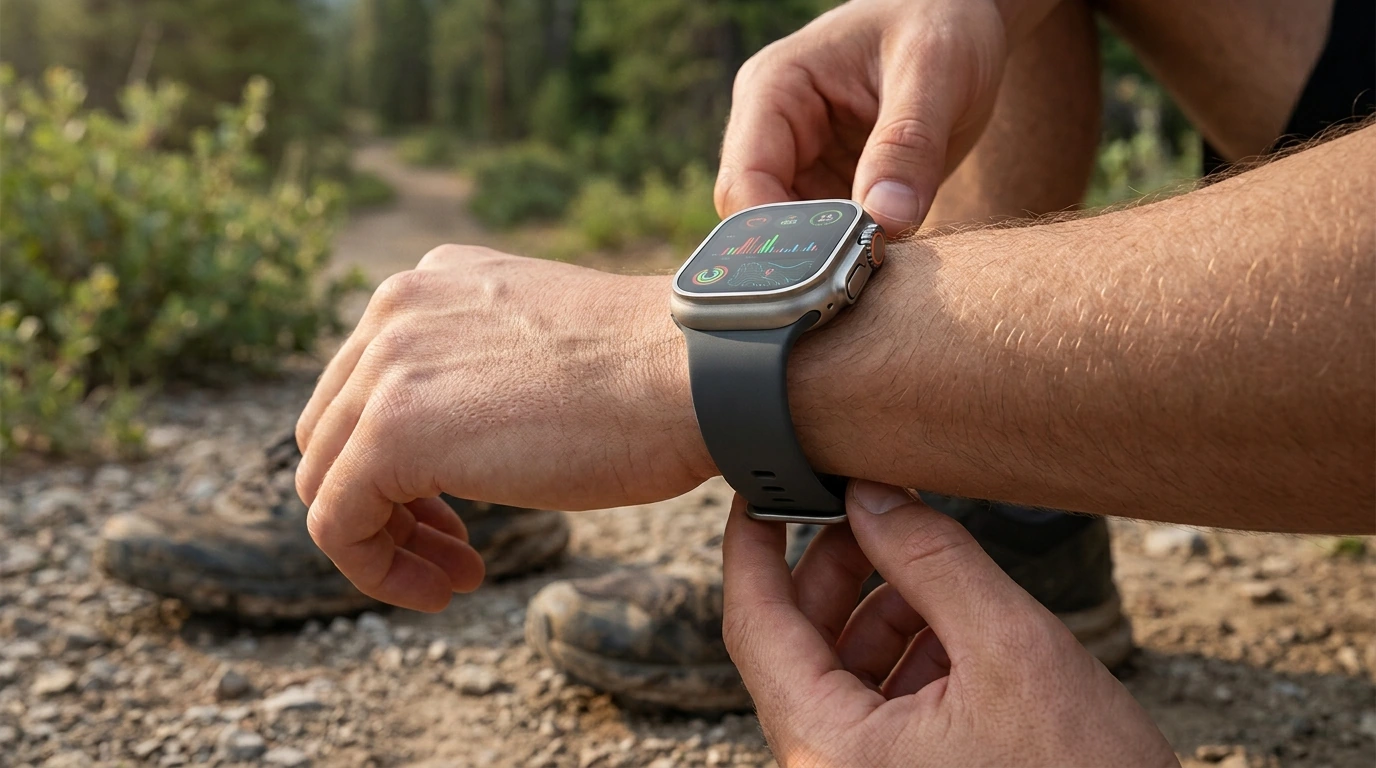
A rugged, everyday-ready upgrade pairs an aluminum alloy protective case with a comfortable silicone strap. The result is a practical layer of impact resistance and a secure fit while keeping your watch easy to use for workouts, commutes, and outdoor time. If your Apple Watch sees doorframes, gym equipment, trail dust, or frequent wrist movement, a matched case-and-strap set can help your watch stay looking cleaner and feeling more stable on the wrist.
What This Case-and-Strap Set Changes in Daily Use
- Adds a protective shell around the watch body to help reduce scuffs and minor impact damage.
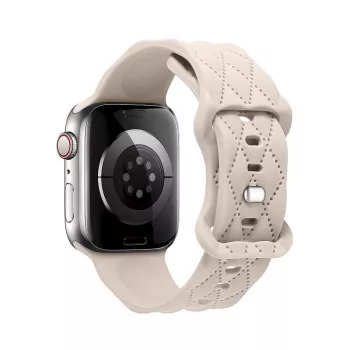
- Swaps the factory band for a silicone strap designed for sweat, rain, and frequent cleaning.
- Creates a more secure feel during movement compared with looser fabric or worn straps.
- Keeps the watch looking uniform by matching case style and strap style as a single set.
For many users, the biggest difference is confidence: quick arm swings during runs, lifting sessions, or everyday tasks feel less risky when the edges and corners have extra coverage and the strap stays planted.
Materials and Build: Aluminum Alloy + Silicone
- Aluminum alloy case: A lightweight structure that helps shield edges and corners where bumps are common.
- Silicone strap: Flexible, water-friendly material suited to workouts and warm weather.
- Comfort focus: Silicone typically reduces rubbing compared with harder metal bands during long wear.
- Maintenance: Silicone straps can be rinsed and wiped down quickly after sweat, sunscreen, or dust.
Apple publishes band compatibility guidance that’s useful when comparing sizes and connector styles across different watch generations. See Apple’s reference here: Apple Watch bands and compatibility information. For Apple Watch Ultra model details, Apple’s specifications page is also helpful: Apple Watch Ultra 2 – Technical Specifications.
Fit, Comfort, and Security on the Wrist
- Snug fit matters most during running, strength training, cycling, and hikes where wrist motion is constant.
- A protective case can add a small amount of bulk; balancing tightness prevents sliding without restricting circulation.
- For all-day wear, prioritize a strap hole setting that prevents the watch from rotating toward the wrist bone.
- If worn over gloves or a jacket cuff, a slightly looser setting can improve button access without pinching.
A reliable baseline is “snug but not squeezing.” If the watch shifts when you shake your wrist lightly, it’s usually one notch too loose for workouts. For desk work or long drives, loosening a notch can improve comfort without sacrificing stability.
Access to Buttons, Crown, and Screen
- A well-shaped case should preserve easy access to the Digital Crown and side button for quick actions.
- Touch responsiveness depends on keeping the screen area unobstructed and clean (especially after saltwater or dusty trails).
- If the watch is used for maps, timers, and training zones, prioritize a setup that doesn’t interfere with edge swipes.
- After installing, confirm crown rotation is smooth and that the Action button (Ultra models) remains easy to press.
After installation, run a quick “controls check”: rotate the crown, press each button, and try edge swipes. If anything feels tight or inconsistent, remove and reinstall the case to ensure it’s seated evenly and not pressing against the crown or button cutouts.
Quick Compatibility and Use Checklist
Before committing to a case-and-strap set, a few quick checks help avoid misalignment, loose connectors, or charging surprises.
| What to verify | Why it matters | Quick test |
|---|---|---|
| Watch size and series | Case must align with sensors, crown, and buttons | Compare case opening positions to the watch before snapping in |
| Strap connector fit | Prevents wobble and accidental release | Slide each end into the watch until a clear click is felt |
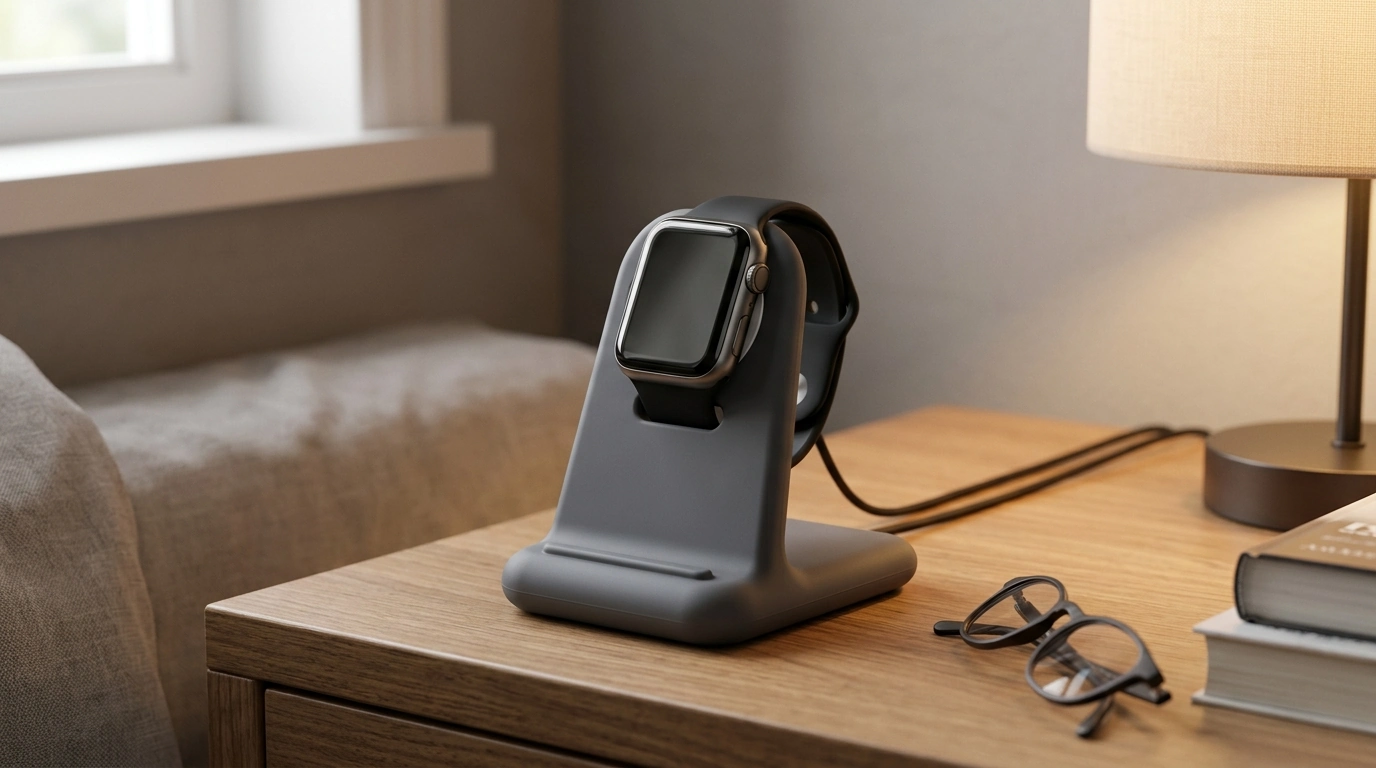
| Charging clearance | Some cases can change how the watch sits on a puck | Place on charger and confirm stable charging starts promptly |
| Crown/button access | Ensures fast controls during workouts and emergencies | Rotate crown, press buttons, and try edge swipes for 30 seconds |
| Skin comfort | Long wear needs a non-irritating, breathable fit | Wear for 1–2 hours; adjust if pressure points appear |
When This Style Makes the Most Sense
- Gym and training: Silicone handles sweat and frequent wiping; a case helps with accidental contact from dumbbells or machines.
- Travel and commuting: Extra protection helps against doorframes, desk edges, and bag zippers.
- Outdoor weekends: Useful for hikes, trail runs, yardwork, and everyday bumps where bare metal shows marks quickly.
- Everyday style: A unified case-and-strap look can refresh an older watch without changing the watch itself.
Care Tips for Long-Lasting Wear
Related Options for Different Needs
- Aluminum Alloy Case with Silicone Strap for Apple Watch Ultra & Series (matched look for everyday protection and workout-ready comfort)
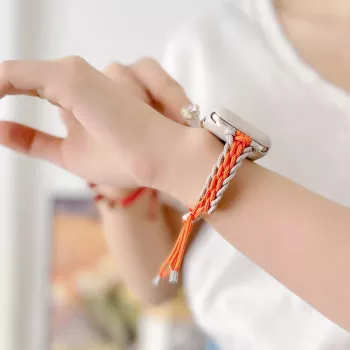
- Silicone Cases and Adjustable Nylon Strap for Apple Watch (a lighter, lower-cost backup approach with a different strap feel)
- Luxury 316L Stainless Steel Protective Case for Apple Watch Ultra 2 49mm (a more metal-forward option for a harder, premium-weight style)
FAQ
Will a protective case affect charging on an Apple Watch?
Many case designs still allow normal charging, but clearance can vary depending on how the watch sits on the charging puck. After installing, place the watch on your charger and confirm it starts charging reliably; if charging is unstable, remove the case or adjust the fit.
Is a silicone strap suitable for swimming and sweaty workouts?
Silicone is generally water- and sweat-friendly, which makes it a solid pick for workouts and pool time. Rinse after saltwater or chlorine exposure and let it dry fully to reduce odor buildup and help prevent skin irritation.
How tight should the strap be for accurate heart-rate readings?
A snug fit that prevents the watch from sliding during movement typically improves heart-rate consistency, but it shouldn’t cause numbness or discomfort. Many users go one notch tighter for workouts and loosen slightly afterward for all-day wear.







Leave a comment