Devil Horn AirPods Max Case: Y2K Style + Scuff Guard
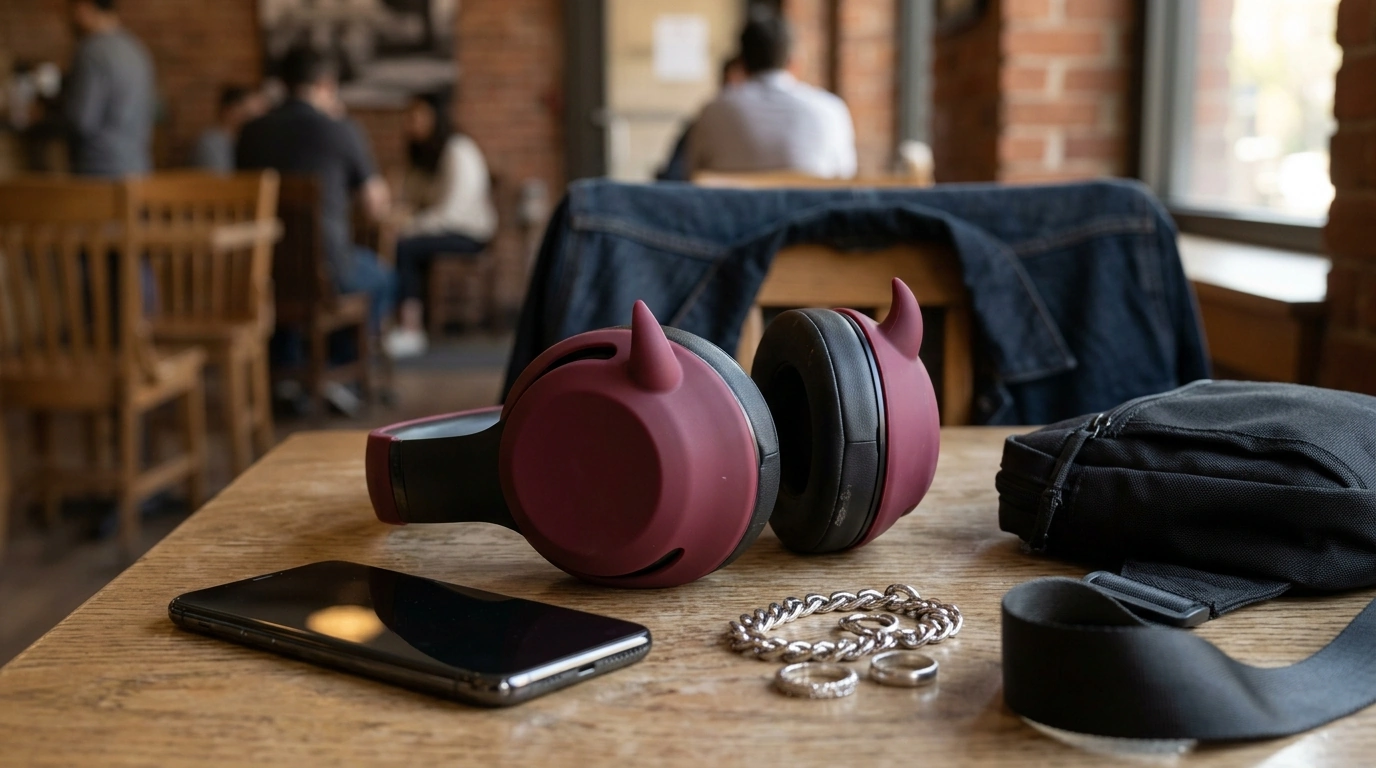
Devil Horn AirPods Max Case: Y2K Personality With Everyday Protection
A playful way to personalize AirPods Max while adding everyday protection, the devil horn-inspired cover leans into bold Y2K styling without hiding what makes Apple’s headphones iconic. It’s an easy, non-permanent upgrade that helps reduce visible scuffs from daily handling—so your setup looks intentional whether you’re commuting, working at a coffee shop, or styling a festival fit.
If you want your headphones to feel less “standard issue” and more like an accessory you actually chose, the Devil Horn AirPods Max Case – Y2K Headphone Decoration for Apple brings that statement-piece energy while staying practical for real-life use.
What This Case Adds to AirPods Max
- Distinct devil horn silhouette: A dramatic, fashion-forward profile that turns AirPods Max into a true outfit element, not just a gadget.
- Y2K-inspired aesthetic: Pairs naturally with streetwear, alt styling, cyber looks, glossy bags, and playful accessories.
- Daily scuff protection: A protective outer layer designed to reduce wear from desk contact, bag storage, and frequent pick-ups.
- Quick style upgrade: Adds personality without changing how the headphones feel while wearing them.
Fit and Compatibility Notes
AirPods Max accessories live and die by alignment—especially around controls, microphones, and the ear-cup edges. Before ordering, confirm you’re shopping for the AirPods Max form factor. Apple’s guide can help you verify your model if you’re unsure: Apple Support: Identify your AirPods.
- Control access: When seated correctly, the cover should not block the Digital Crown, noise control button, charging port, or microphones.
- Storage clearance: If you regularly use the Smart Case, headphone stands, hooks, or wall mounts, confirm the horns won’t press against tight spaces.
- Aftermarket cushions: If you use third-party ear cushion replacements, double-check that the cover doesn’t interfere with removal or proper seating.
Materials, Build, and Everyday Durability
This style of flexible cover is made for everyday protection—think scuffs, light bumps, and surface scratches from normal life. It’s a smart choice if your AirPods Max often end up on desks, in totes, or sliding into backpacks between meetings.
- Flexible protection: Helps absorb minor contact and reduce scratch visibility from daily use.
- Smooth exterior: Designed to reduce snagging when you’re placing headphones into a bag or pulling them out quickly.
- Flush edges matter: A good fit should sit cleanly around edges to avoid dust-catching gaps; a quick wipe now and then keeps the finish looking fresh.
- Best for scuffs (not major drops): Ideal for cosmetic protection and light impact, not heavy-impact drop protection.
At-a-Glance Details
Quick Checklist for the Devil Horn AirPods Max Case
| Detail | What to look for | Why it matters |
|---|---|---|
| Device match | AirPods Max compatibility | Ensures proper alignment around controls and ear cups |
| Primary benefit | Style + scratch resistance | Balances personalization with practical daily protection |
| Carry routine | Backpack/tote/desk use | Frequent handling increases scuff risk without a cover |
| Cleaning | Wipe with soft cloth | Keeps the finish looking fresh and reduces grime buildup |
| Accessories | Stands, Smart Case, hangers | Confirms the horns and outer shape fit existing storage solutions |
Styling Ideas: Y2K, Streetwear, and Tech-Accessory Pairings
- Lean into metallics: Pair with silver jewelry, chrome phone accessories, or hardware-heavy bags to amplify the futuristic Y2K mood.
- Go high-contrast: Black, red, or neon outfits make the horn silhouette pop more clearly in photos and mirror selfies.
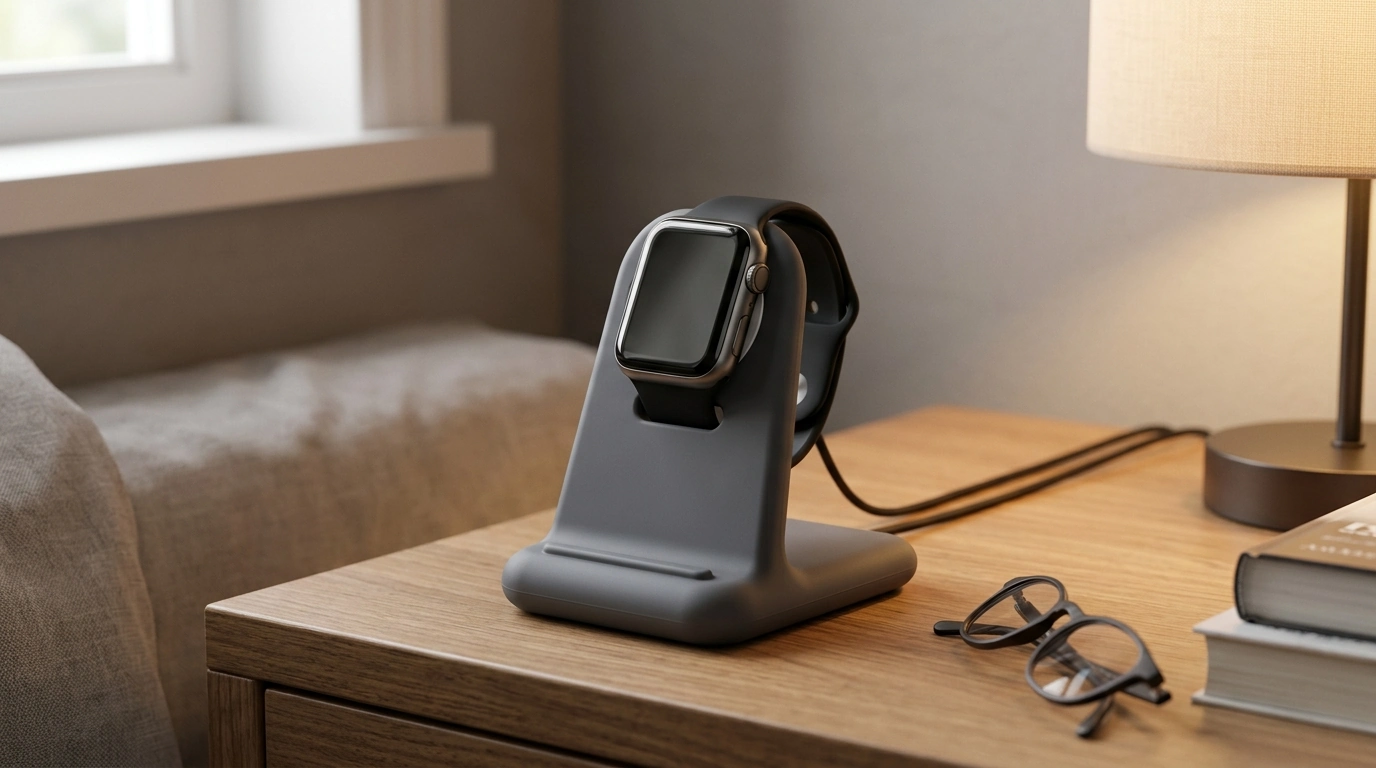
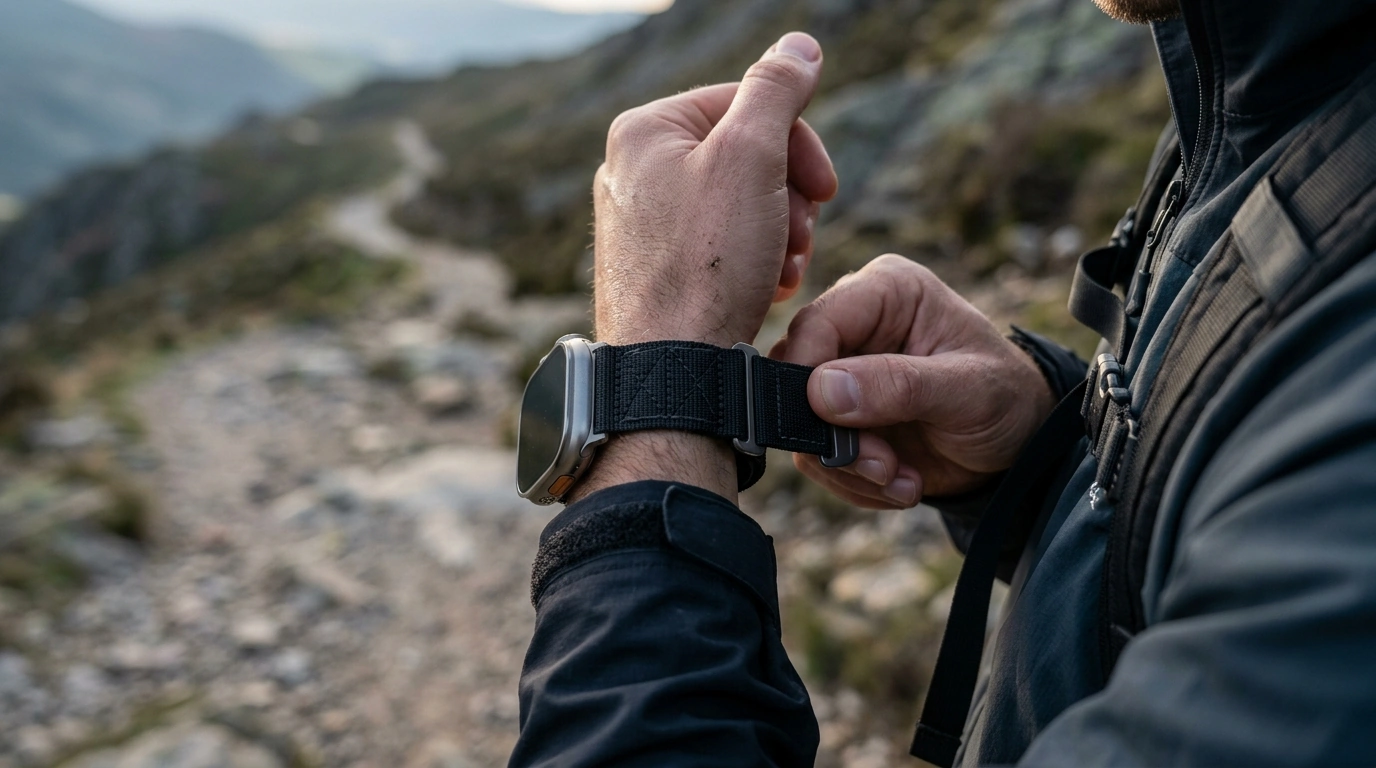
- Build a coordinated “tech stack” look: Match with wearable accessories like Silicone Cases and Adjustable Nylon Strap for Apple Watch for a cohesive, accessory-forward setup.
- Keep it minimal on purpose: If your outfit is clean and neutral, let the horns be the one statement piece.
Care, Storage, and Keeping the Look Sharp
- Daily wipe-down: Use a dry microfiber cloth; for smudges, a slightly damp cloth works well.
- Avoid harsh chemicals: Skip solvents and strong cleaners that can dull finishes or degrade soft-touch materials. For broader cleaning guidance, see Apple Support: Clean your AirPods and charging case.
- Clear dust around seams: Remove and re-seat the cover occasionally to prevent buildup along the edges.
- Bag awareness: Store away from sharp items like keys or metal clips to reduce abrasion marks.
Good Gift Occasions and Who It Suits
- Great for customization fans: AirPods Max owners who like changing aesthetics without stickers or paint.
- Occasions that work: Birthdays, holidays, back-to-school refreshes, and “new job/new desk” upgrades.
- Aesthetic-forward recipients: Y2K fans, alt style lovers, festival-goers, streetwear collectors, and content creators who shoot outfit photos.
- Easy to bundle: Pair with a desk accessory like the Silver Aluminum Laptop Stand for a cleaner workstation setup.
Related Accessories That Complement the Setup
- Desk organization upgrade: A laptop stand keeps your workspace tidy and helps prevent headphones from being tossed onto hard surfaces between calls. Consider the Silver Aluminum Laptop Stand.
- Match across devices: Coordinate colors and textures using Silicone Cases and Adjustable Nylon Strap for Apple Watch.
- More elevated watch protection: If your look leans sleek and metallic, the Luxury 316L Stainless Steel Protective Case for Apple Watch Ultra 2 49mm pairs well with chrome-heavy accessories.
FAQ
Will the case affect AirPods Max buttons, Digital Crown, or charging?
A proper fit should leave controls and ports accessible. Align the cover carefully during installation and confirm nothing presses on buttons or blocks openings before regular use.
Can this be used with the AirPods Max Smart Case?
Fit can vary depending on horn clearance and how snug the Smart Case is. Test the combination at home and choose a storage option that doesn’t apply pressure to protruding parts.
How should the case be cleaned without damaging the finish?
Wipe with a microfiber cloth for everyday cleaning, and use a slightly damp cloth for marks. Avoid alcohol or solvent-based cleaners, and let the surface fully dry before using or storing your headphones.







Leave a comment